Ungoogled phone - quick review
Last thursday I ordered a phone from the /e/ foundation. It comes with the /e/ Operating System pre-installed which is an open-source version of Android.
On monday (i.e. after 2 working days) I’ve received it.
Despite being second hand (refurbished), the phone appears “as new”. Therefore I’d say price (288E including shipping) was very fair. The only “problem” was the lack of choice – I had to go for a galaxy S7 edge golden colour (instead of galaxy S7 black- slightly cheaper and of my preferred tint).
Everything is working well and it’s easy to use.
Right after installing my SIM card I could not receive calls and messages for about 30 min, then I configured my access point for mobile data and everything started to work. I don’t know if it was the wait or the configuration that resolved the issue.
I installed Telegram and Signal using the default App store.
Contacts from my SIM card were imported seamlessly on the Contacts App and on Telegram, but not on Signal. It is most likely a Signal bug, not an OS issue.
Note: it is possible to install Whatsapp and Facebook, too, but I did not do that, of course!
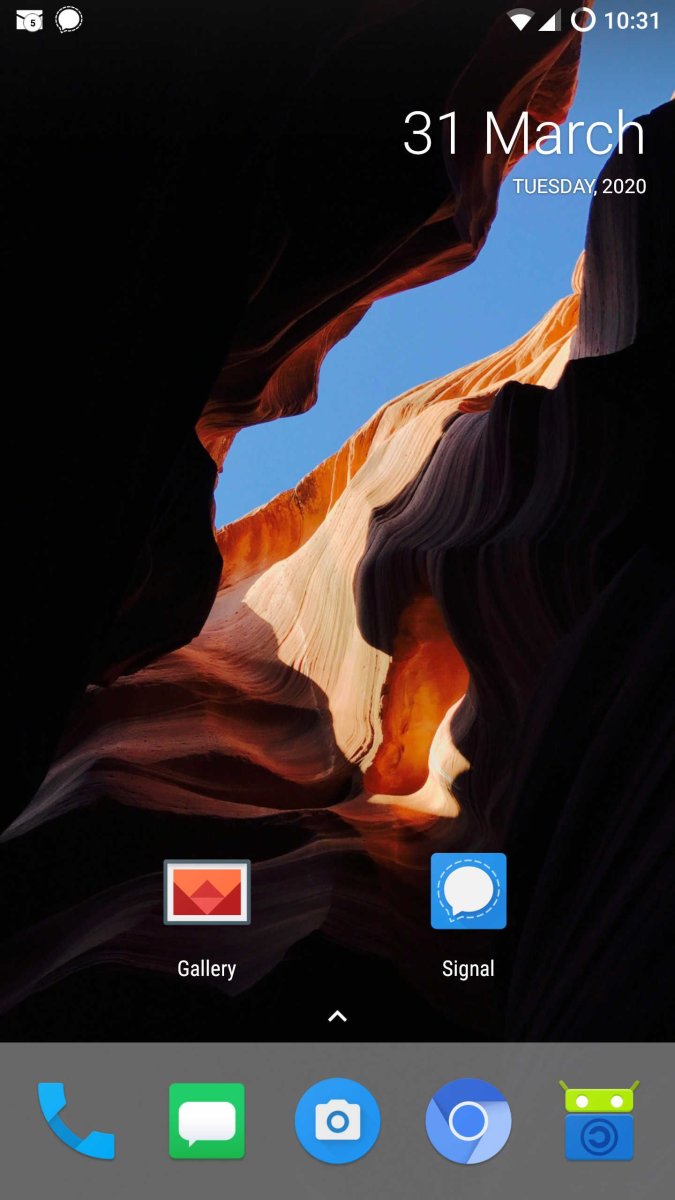
The default launcher (the app showing the icons on the screen) had some issues (icons disappearing and reappearing only if phone was restarted), so I’ve replaced it with a new launcher: Lawnchair (download via F-Droid).
The default App store worked initially, but then stopped working, so I downloaded F-Droid from (f-droid.org) from which I did subsequent installations.
The standard map App (magic earth – which is nice, but not as good as OpenStreetMap) could not be fully disinstalled, but disabling it reduced its size to practically zero and removed its icon on the launcher screen.
No issues in configuring the email client.
Going into the Developers options I managed easily to change the color scheme to black and white to make the phone less addictive.
Note that all of this seems hard, but it’s actually very easy. I am a total dummy on the subject and got help by phoning a friend and following a couple of dumb instructions.
Transitioning out of an i-phone (which was one of those presents one ends up hating), I must say I’m impressed! Looking forward to have control on my data and being able to change things on my device…My old iphone’s died (unusable screen due to damage) and was never synchronized with the cloud, so all the data will be buried with it…
Homepage
App page
(screenshots are colored, but appearance on screen is black and white)
UPDATING SIGNAL:
The first time I had to do a Signal update I had a problem because I could not find a newer version of Signal on F-Droid or on the default App Store in the phone.
You need to add extra repositories on F-Droid to be able to get Signal. Here’s how:
Open F-droid; go to settings –> Repositories and then add (via the plus “+” button on the top-right corner) the following custom list in the “Repository address field”: https://rfc2822.gitlab.io/fdroid-firefox/fdroid/repo (just type this text in)
Then go back to F-Droid and swipe down to trigger the refreshing of the app list. The update for “Signal Private Messenger” was downloaded automatically, and could then be installed. Voilà!